Apple Photos backup
Protect resources available through the System Photo Library, including iCloud-only originals, supported metadata, and user-created album organization.
 Azivault
Encrypted backups for selected folders and Apple Photos. Use local, network, or S3-compatible storage. Restore files through Finder or a Photos snapshot as a new copy.

Manual backups free · 7 day trial · $2.99/month · $29.99/year · $49.99 lifetime
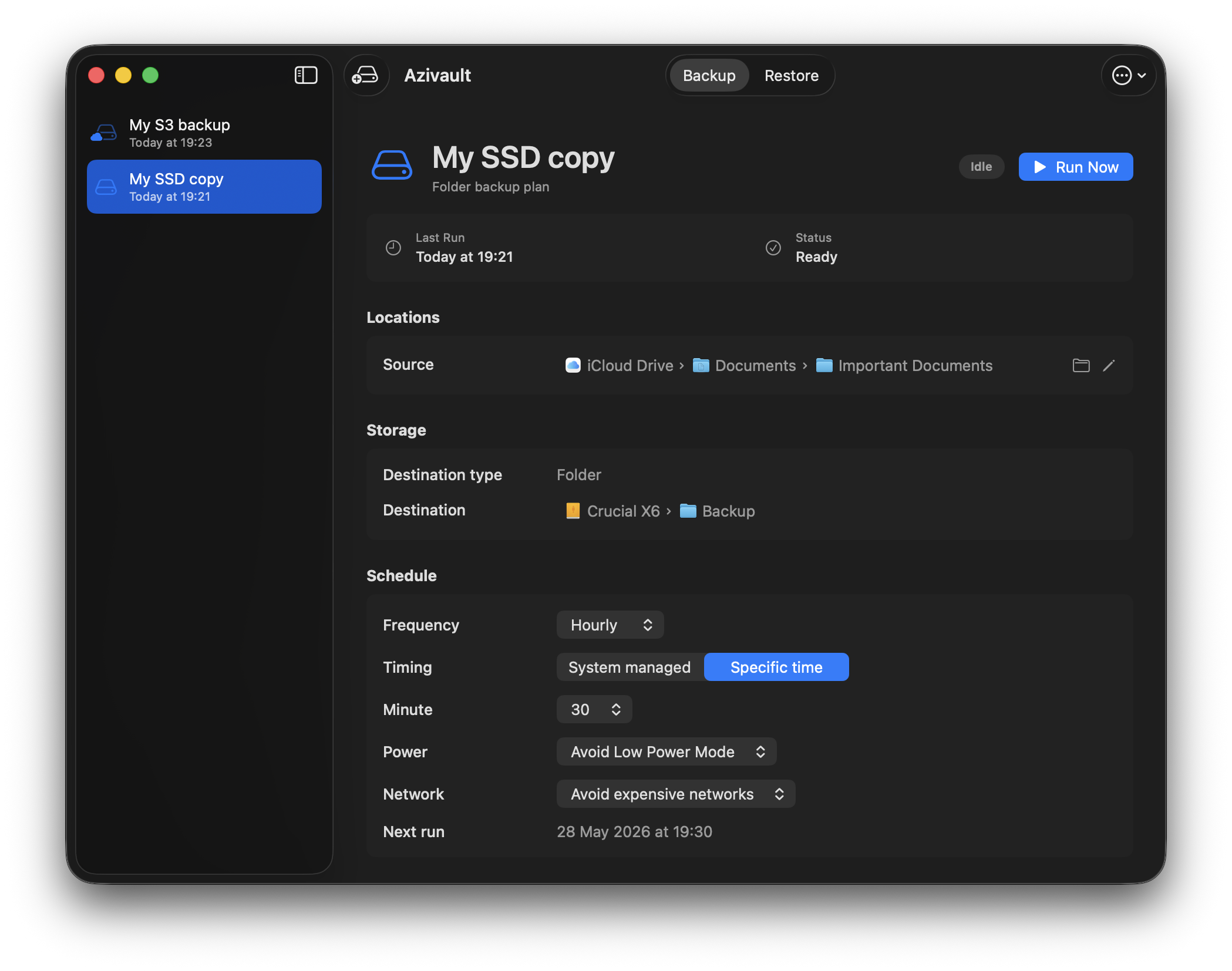
Private repositories, familiar recovery, and no bundled storage lock-in.
Protect resources available through the System Photo Library, including iCloud-only originals, supported metadata, and user-created album organization.
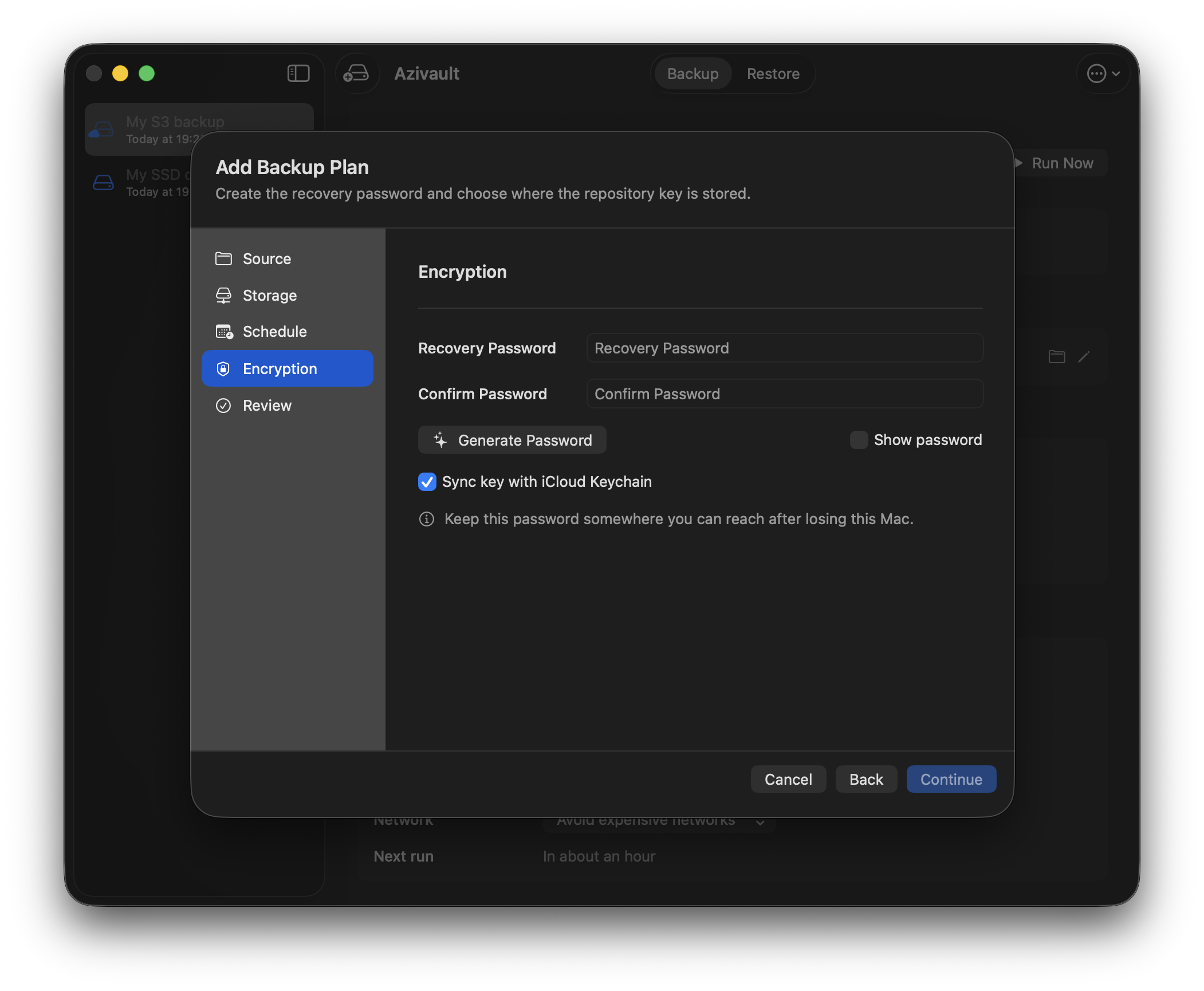
Your data is encrypted on your Mac before it leaves so no one else can read your files. Optionally store the key in iCloud Keychain.
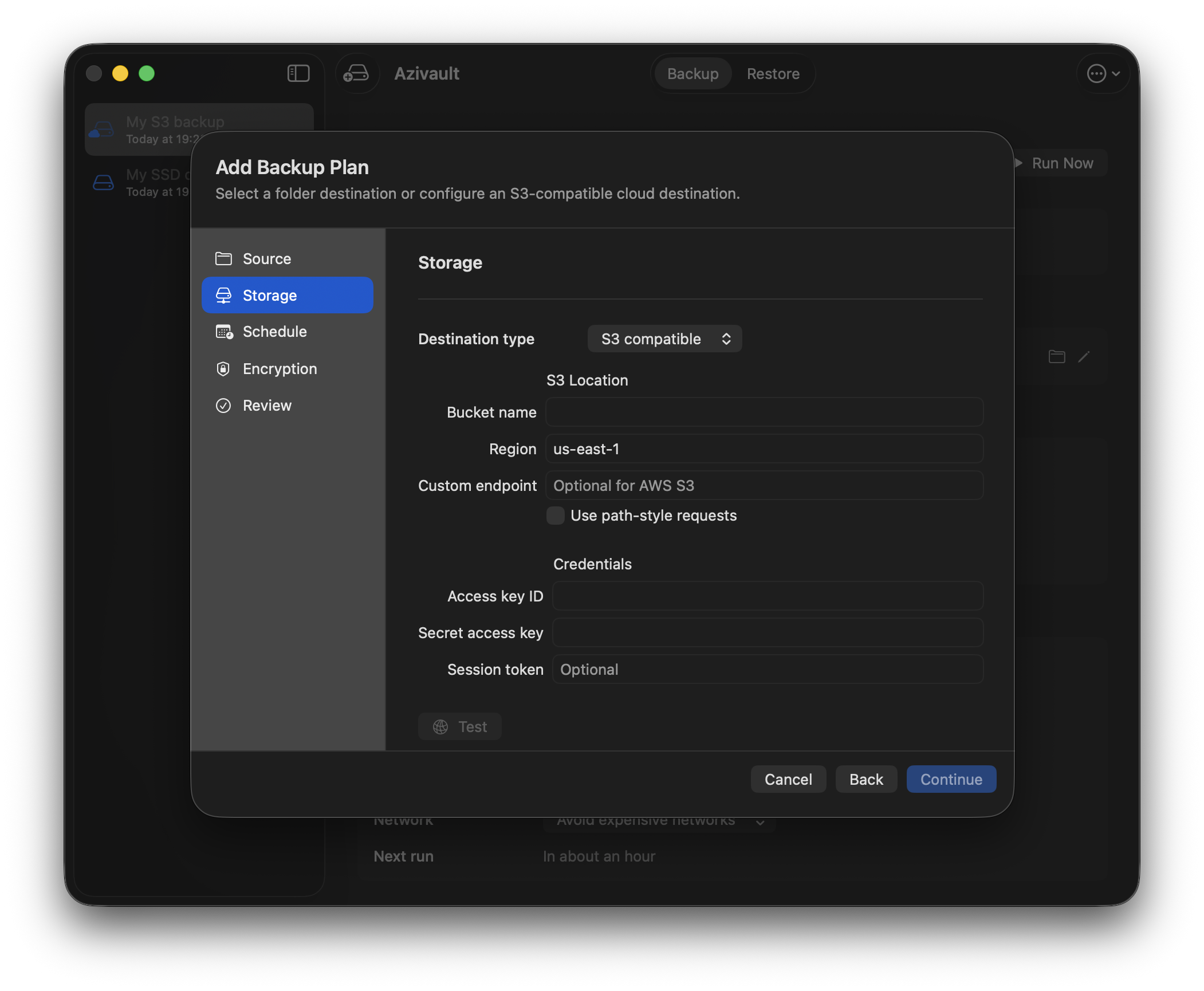
Back up to local folders, network drives, external disks, and S3-compatible cloud storage.
Run backups on a custom schedule or let the system optimize the backup times.
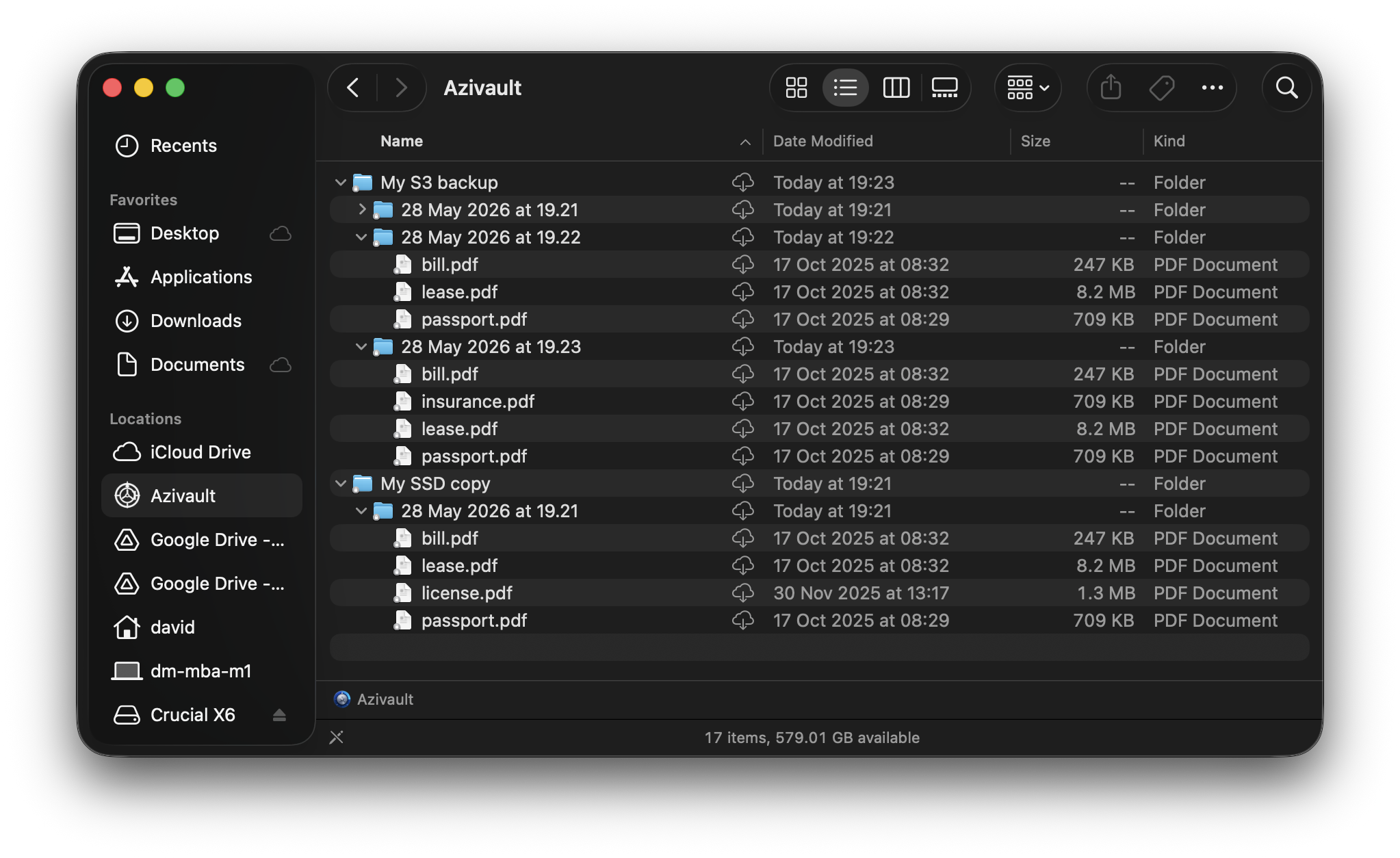
Browse, search, and preview files in backup runs through Finder.
Azivault creates private, encrypted backup repositories for selected folders and Apple Photos, then stores them on destinations you control.
Use local folders, external disks, network drives, or S3-compatible object storage. Azivault does not include backup storage; use storage you own or purchase separately.
Browse backup runs through Finder, restore individual files, or use the command line when you need app-independent recovery.
Yes. Back up resources available through the System Photo Library, supported metadata, and user-created albums, then restore a snapshot as a new copy in Photos.
Time Machine for local Mac recovery. Azivault for encrypted offsite repositories. Compare the two or read the backup strategy guide.
Use the azi CLI to verify backups, search completed runs, restore a file, export a run, or hydrate S3-compatible storage without opening the app.
Azivault protects selected folders and Apple Photos on a Mac, with encrypted repositories stored on destinations that you control.
The following table summarizes Azivault's current scope.
| Platform | macOS |
|---|---|
| Backup scope | Selected folders and the System Photo Library, including selected user-created albums |
| Destinations | Local folders, external disks, network drives, and S3-compatible storage |
| Encryption | AES-256-GCM file encryption with PBKDF2-HMAC-SHA256 key wrapping |
| Restore paths | Finder and the Azivault app for folder backups; new-copy import into Apple Photos for Photos snapshots |
| Storage included | No; use storage you already own or purchase separately |
No, backup storage is not included. You can back up to local folders, network drives, external disks, and S3-compatible cloud storage that you already own.
Manual backups and restores are free. Automatic scheduled backups include a 7-day trial, then cost $2.99 per month, $29.99 per year, or $49.99 for lifetime access through the Mac App Store.
You can keep running manual backups and restoring files after cancelling. Only automatic scheduled execution pauses when paid access ends.
Many Mac users benefit from both. Time Machine is the first layer for local Mac recovery. Azivault is for encrypted offsite repositories on storage you control.
Yes. Each backup run records changed files so you can restore previous versions.
Azivault protects resources available through the System Photo Library, supported dates and locations, favorite state, hidden state, and user-created album organization. Titles, captions, and keywords require separate Photos Automation permission. Apple-managed features such as People and Pets, Memories, and smart albums cannot be recreated.
You can restore your backups to a new Mac if you lose your device so long as you can access the backup location.